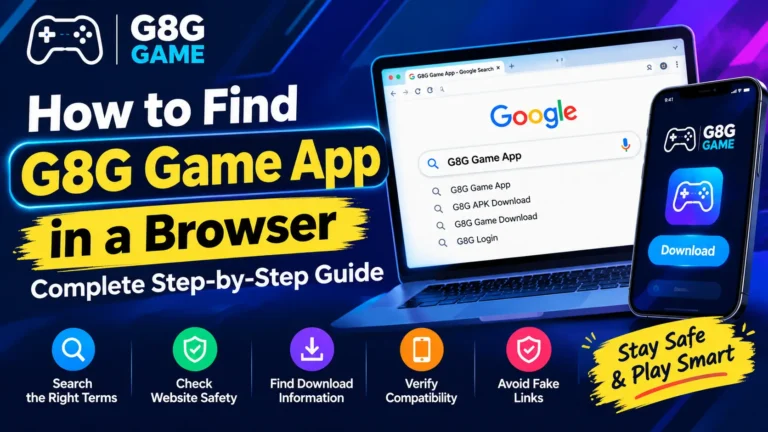
Finding the G8G Game App in a browser is simple. Open Google Chrome and search for G8G Game to explore relevant websites and app information. You can also search for G8G App, G8G APK, G8G Download, G8G APK Download, or G8G App Download to find related guides and installation details.
Players can also search for G8G Login, G8G Withdrawal, G8G Game APK, G8G Game App Download, and G8G com to explore account access, withdrawal information, and app-related resources. Before downloading an APK or entering account details, verify the website carefully and review the app’s security and permissions.
Open a Web Browser
Open Google Chrome, Firefox, or another browser on your mobile phone or computer. Make sure your browser is updated for a better browsing experience.
Search for G8G Game App
Open Google and search for terms such as G8G Game App, G8G APK Download, or G8G Game Download. Review the search results carefully instead of clicking the first link automatically.
Check the Website Carefully
Before opening a website, check its complete URL, About page, contact information, and privacy policy. A familiar game name or HTTPS connection does not automatically prove that a website is official or trustworthy.
Find G8G Game Download Information
When looking for a G8G Game download, check the Online game app and Mobile game app information, including version details and installation requirements. Download APK files only from verified sources and review app permissions to help protect your device.
Review Mobile Compatibility
Before downloading from Popular gaming apps or exploring the Latest games on a Gaming platform, check that your mobile has enough storage space. Download the G8G Game APK carefully from a verified source, review its permissions, and then open your phone’s File Manager → Downloads folder to locate the downloaded file. Verify the file before installing it, and avoid files that trigger security warnings.
Avoid Fake Websites and Links
Be cautious of misleading advertisements, unexpected redirects, shortened links, and websites asking for passwords or OTPs before providing basic information. Never share banking credentials or payment PINs with an unverified website.
Final Tips for Finding G8G Game App
Use clear search terms, compare relevant results, and verify the website before downloading anything. If you cannot confirm the source of a G8G Game APK, do not install it. Also, check local laws and applicable age restrictions before using gaming services.